KNxSF Integration - Authentication Configuration
How to configure Kinetic to Salesforce API authentication
Note: The account type IDs and currency IDs may need to be configured if they have changed in the Salesforce environment.
Data Required
Name | Description |
TokenUrl | The base URL to use when calling getting a Salesforce token (e.g. https://mydomain.sandbox.my.salesforce.com/) |
TokenSub | Salesforce account that will be used for the integration (e.g. [email protected]) |
Issuer | Issuer secret configured in Salesforce. |
BaseUrl | The base URL of the Salesforce environment for record calls to the Salesforce system (e.g. https://domain.my.salesforce.com/) |
Private Key | The private key used to authenticate calls with Salesforce. |
1 - Modify the 'SF-Integr' User Code Parameters.
(Note: This will need to be performed in all companies where the integration will be scheduled).
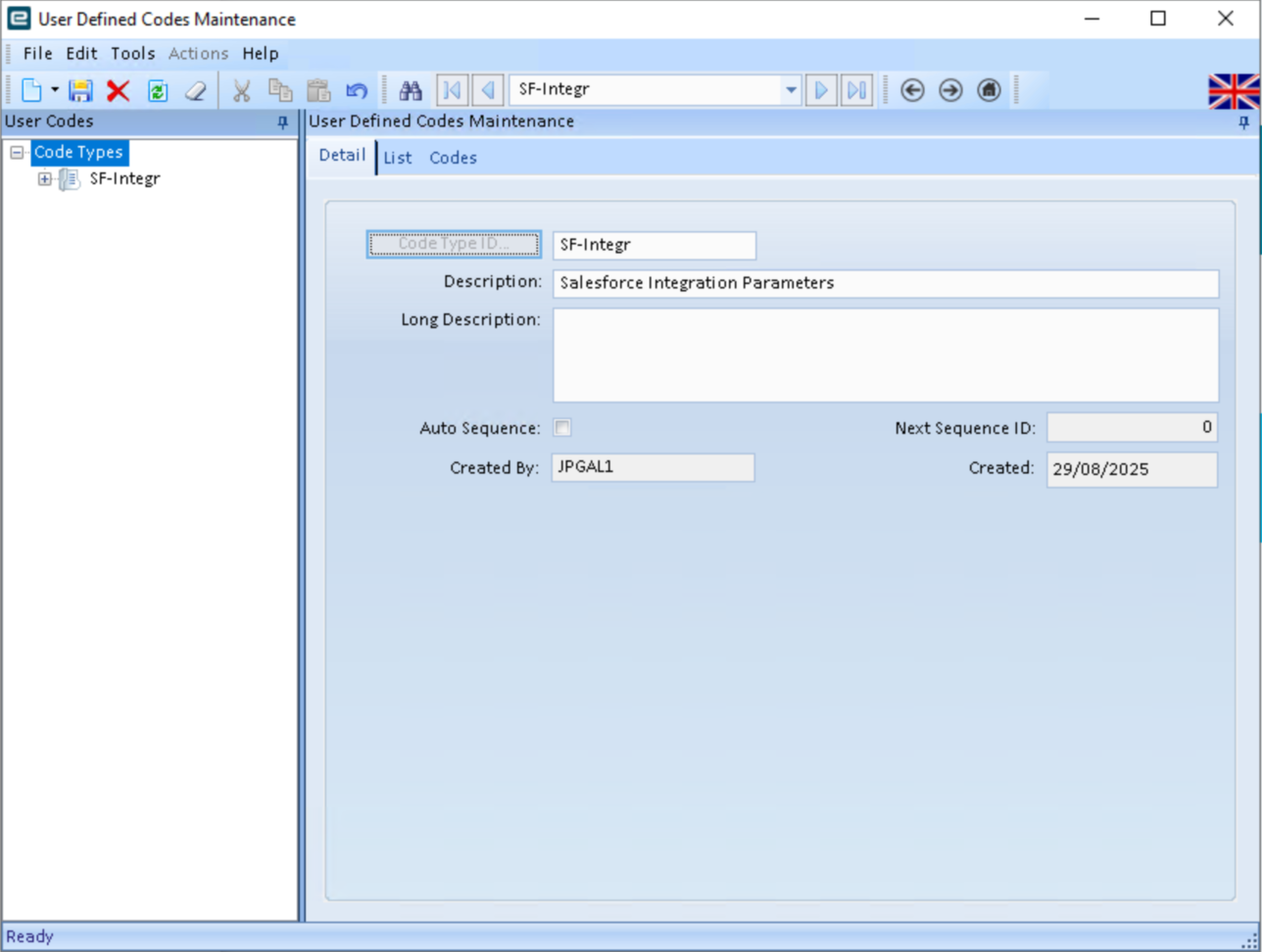
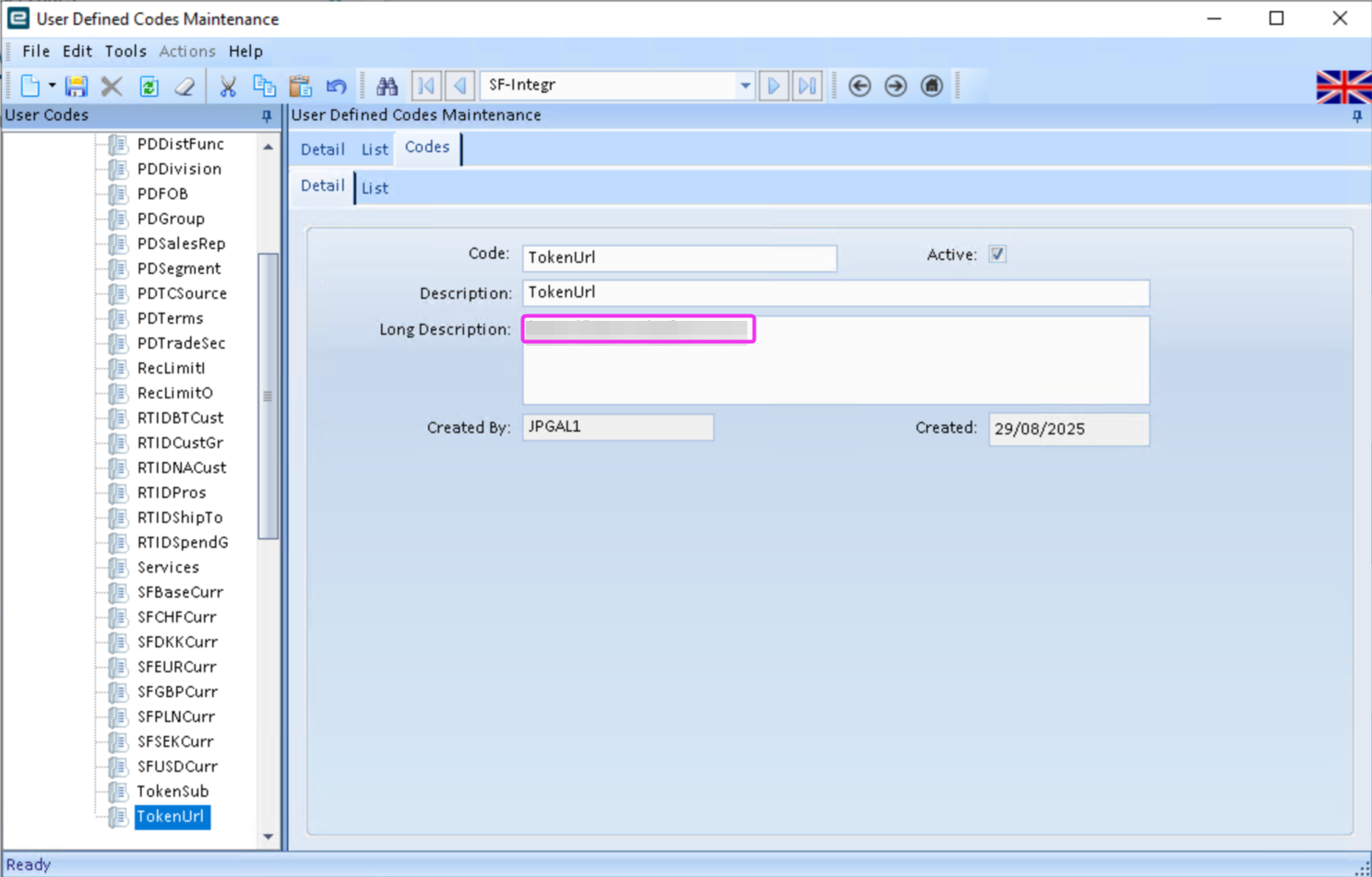
a - Configure the 'TokenUrl' parameter to the base salesforce login URL.
b - Configure the 'TokenSub' parameter to the Salesforce account that will be used for the integration.
e.g. [email protected]
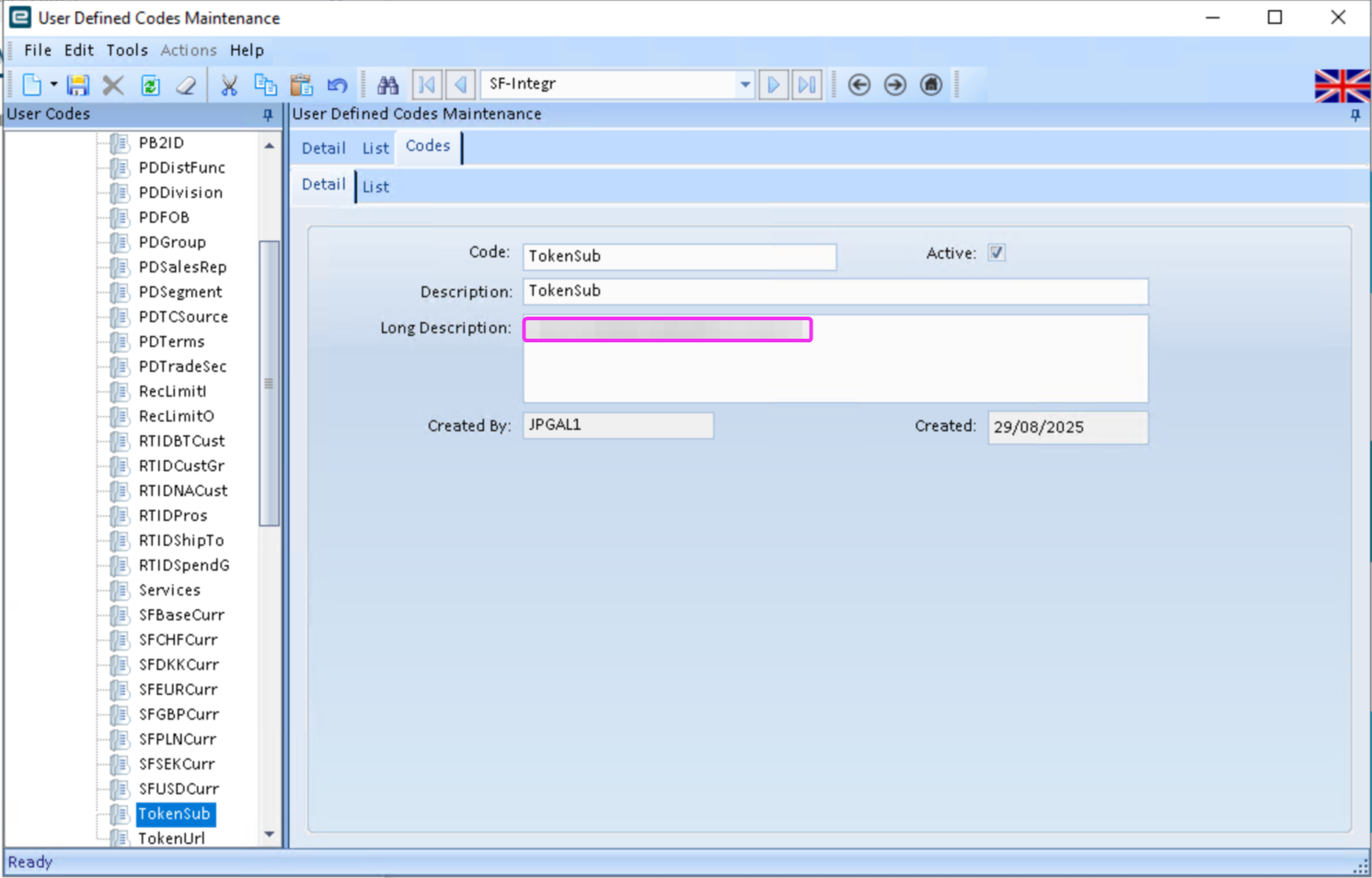
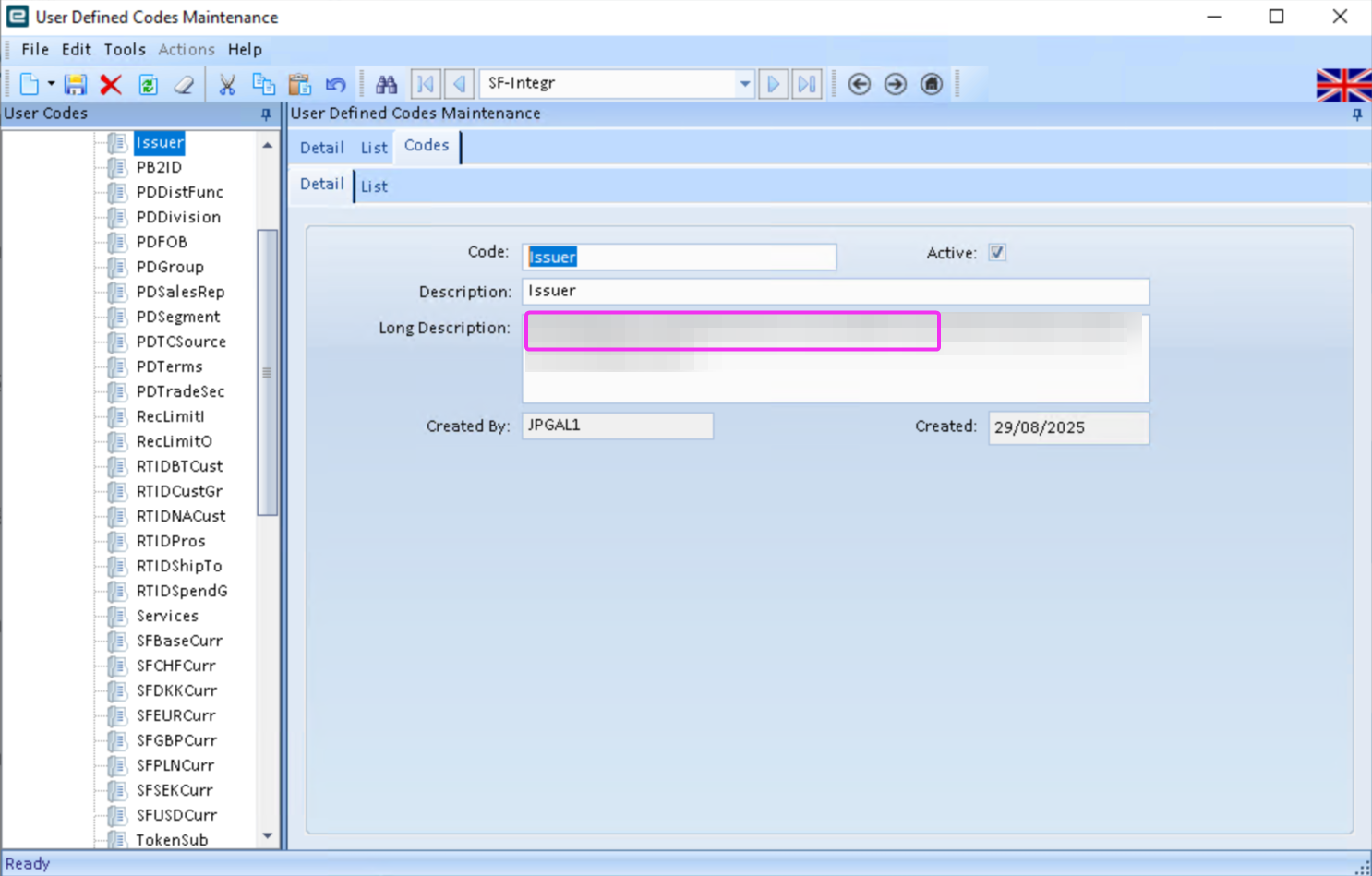
c - Configure the 'Issuer' parameter to the salesforce issuer secret configured in Salesforce.
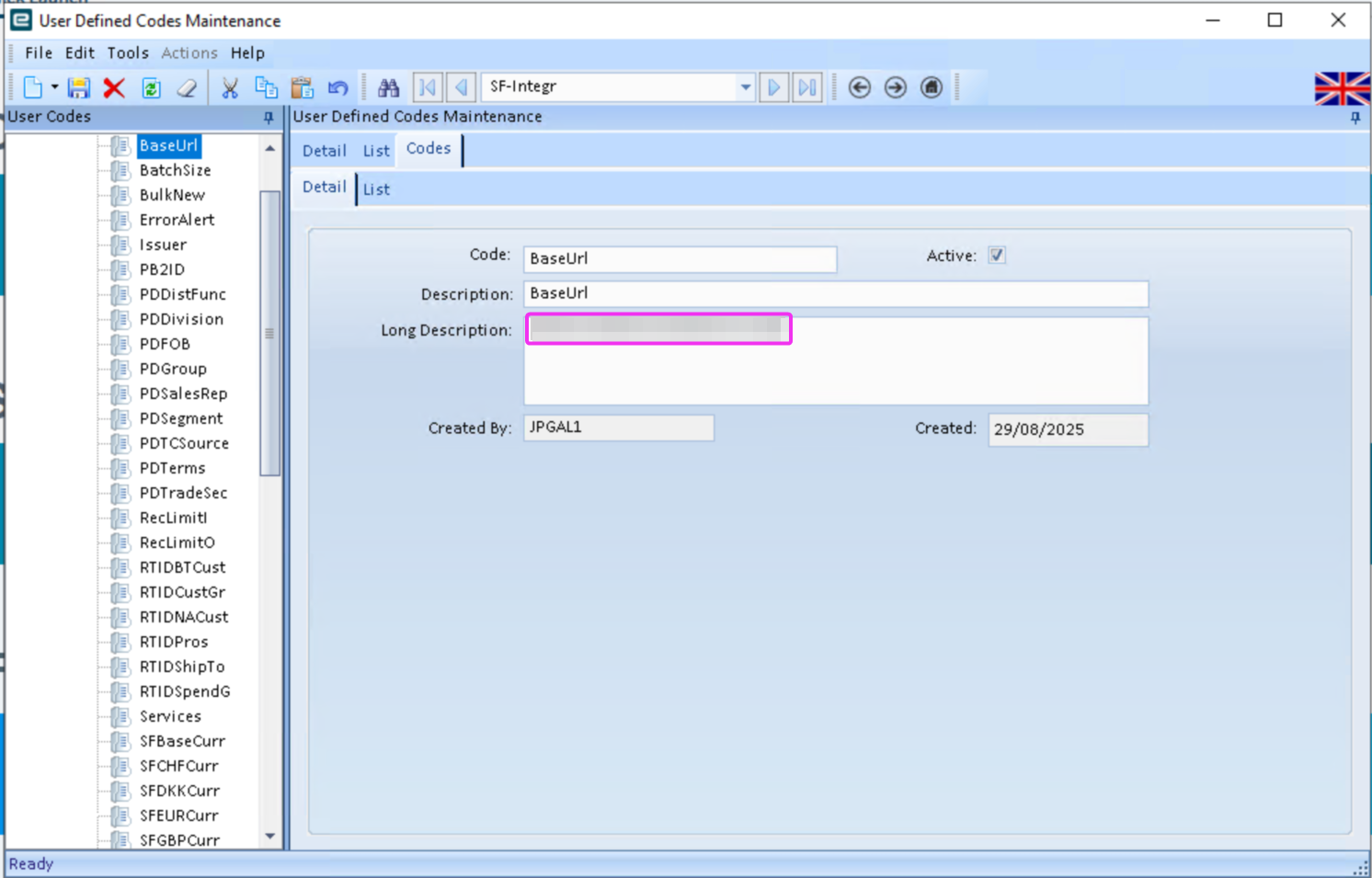
d - Configure the 'BaseUrl' parameter to the base URL of the Salesforce environment.
e.g. https://domain.my.salesforce.com/
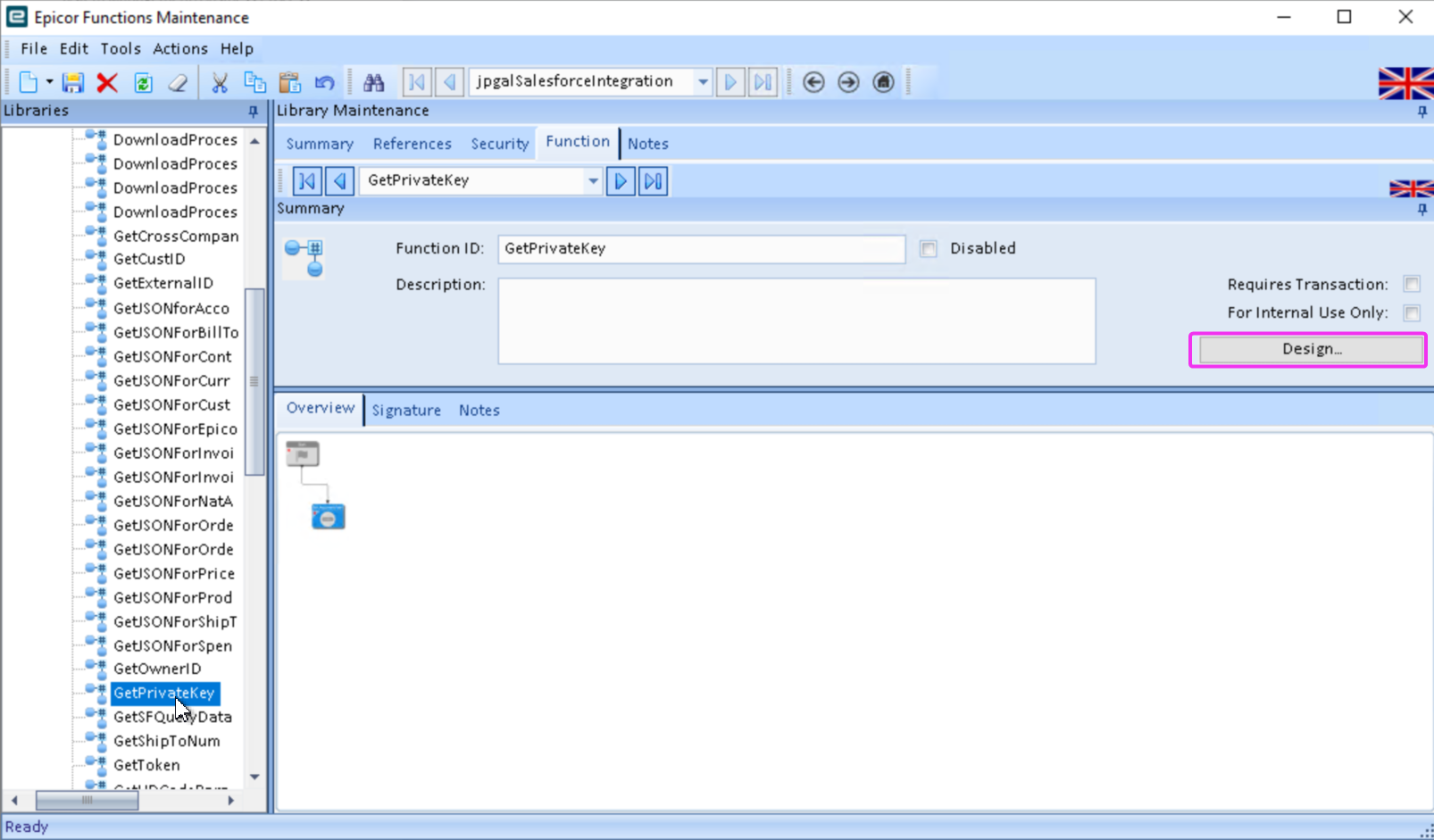
2 - Modify the 'jpgalSalesforceIntegration' function library.
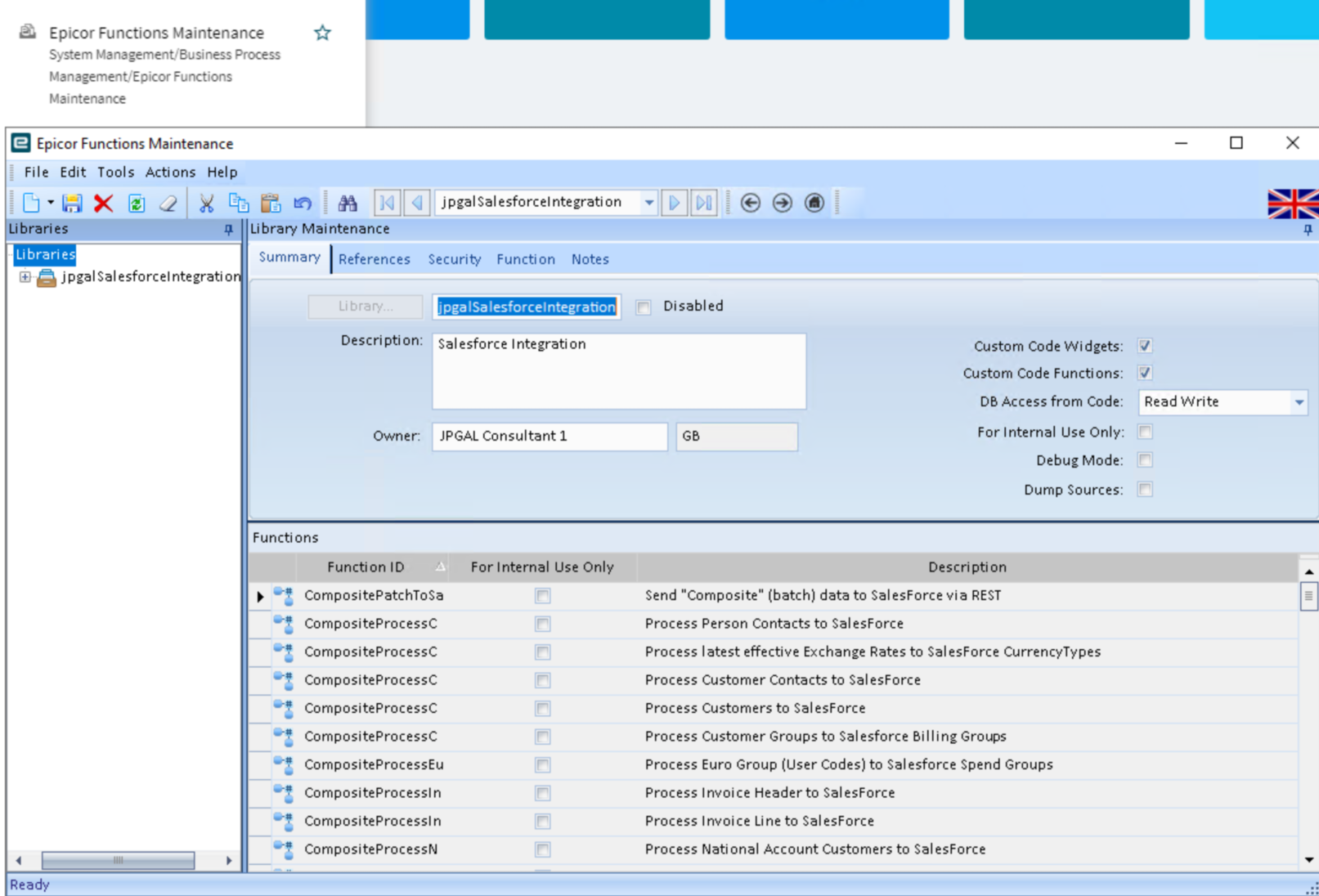
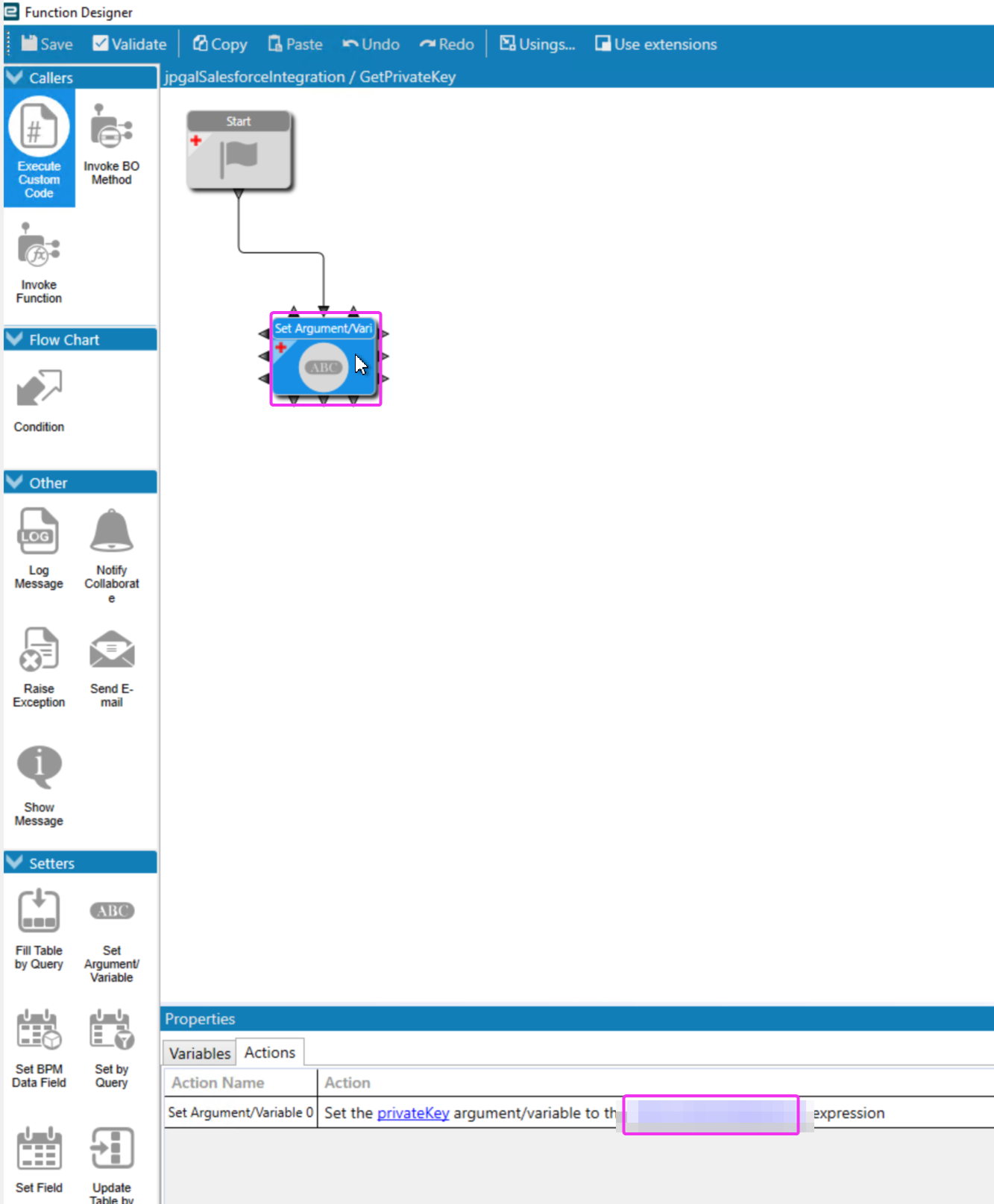
a - Update the GetPrivateKey function with the private key configured in Salesforce.