Configuration Guide
Purpose
This guide explains the configuration required after the FEC Solution has been deployed into a new Epicor environment.
The following core components must be configured:
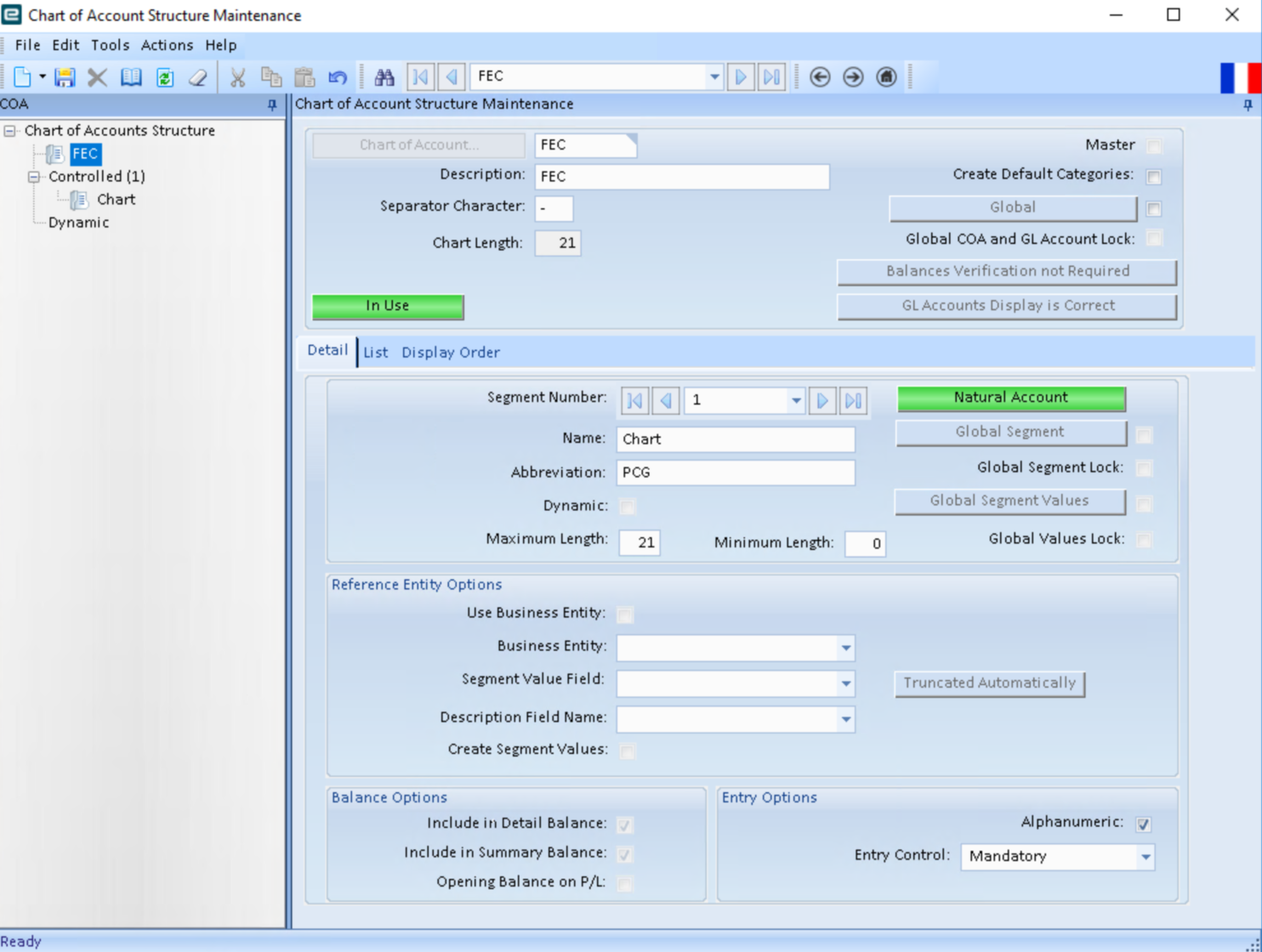
- FEC Chart of Accounts
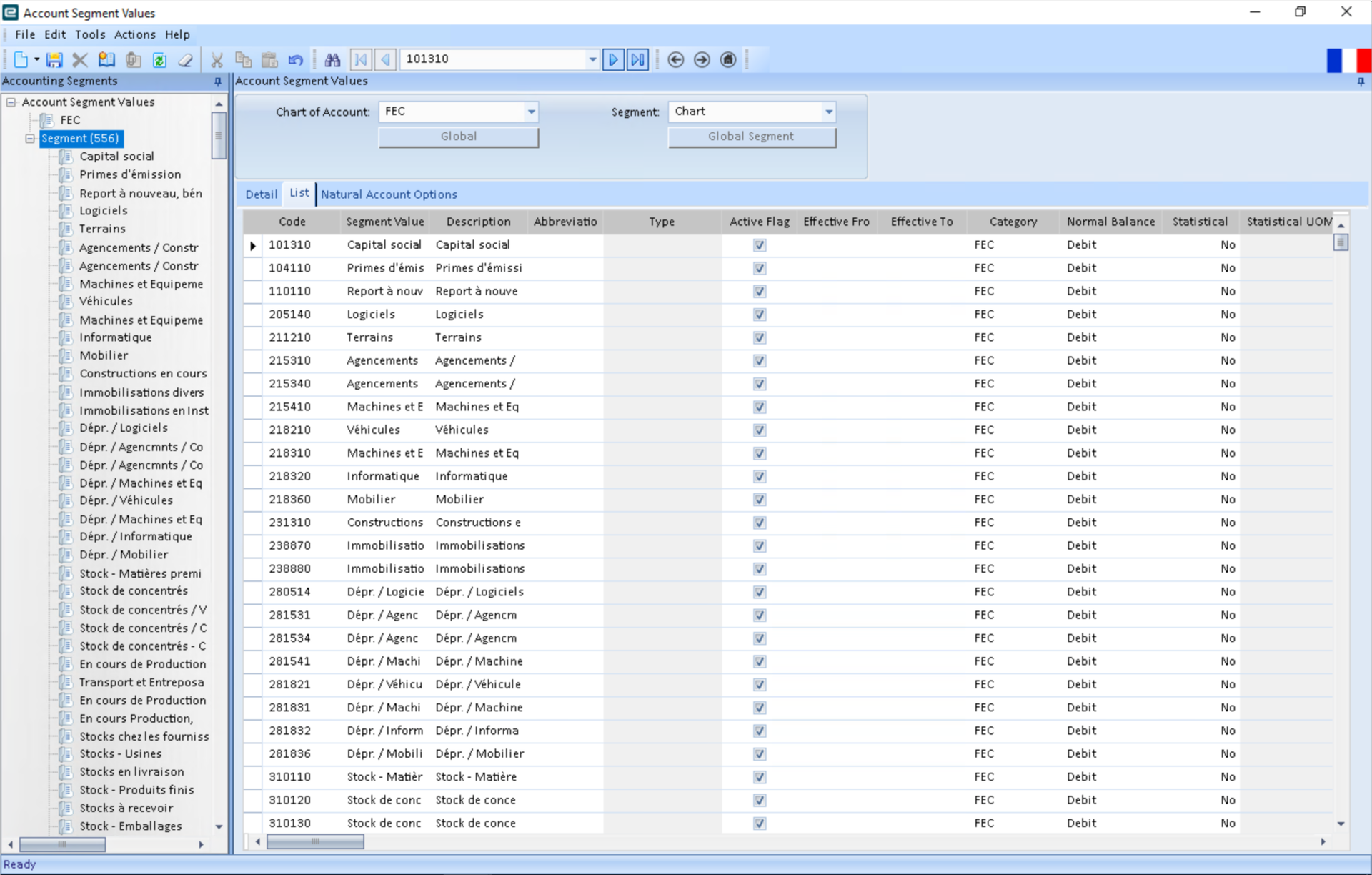
- FEC Segment Values
- FEC General Ledger Accounts
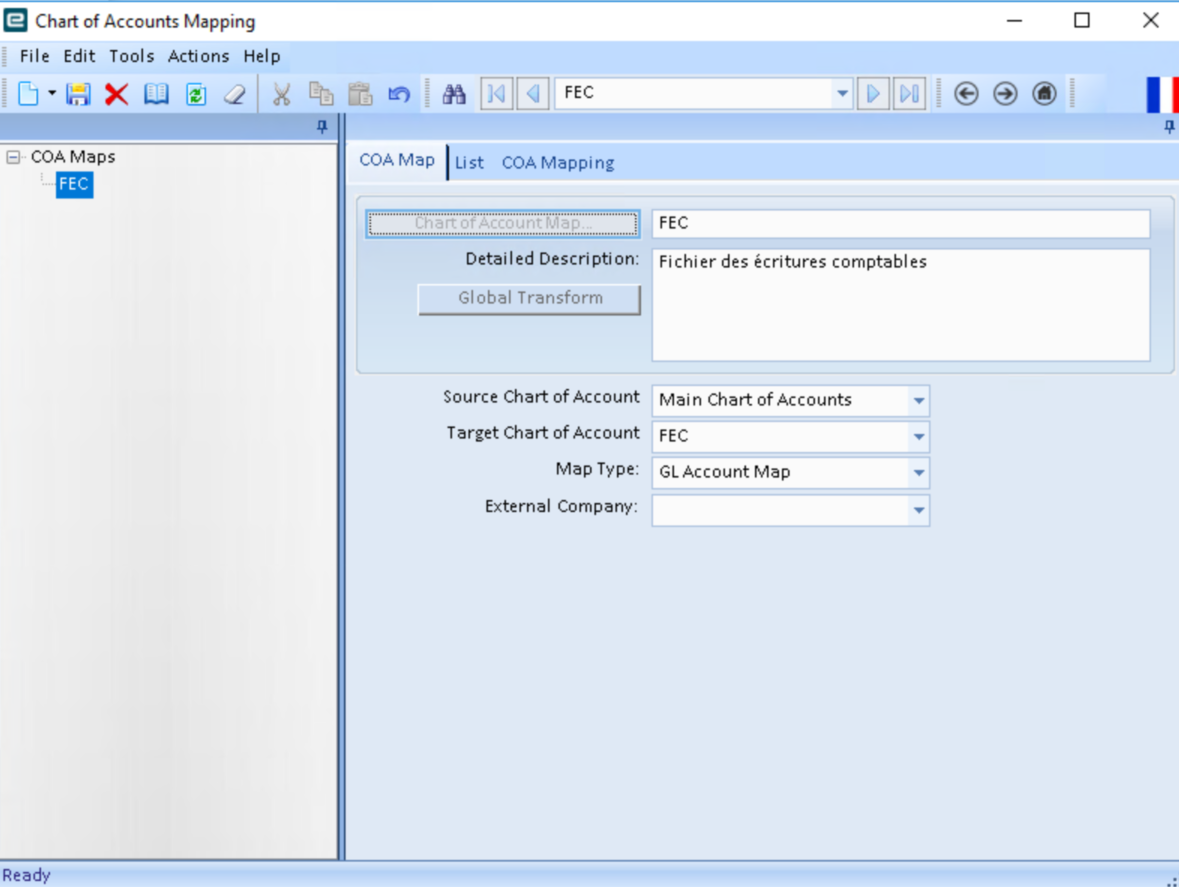
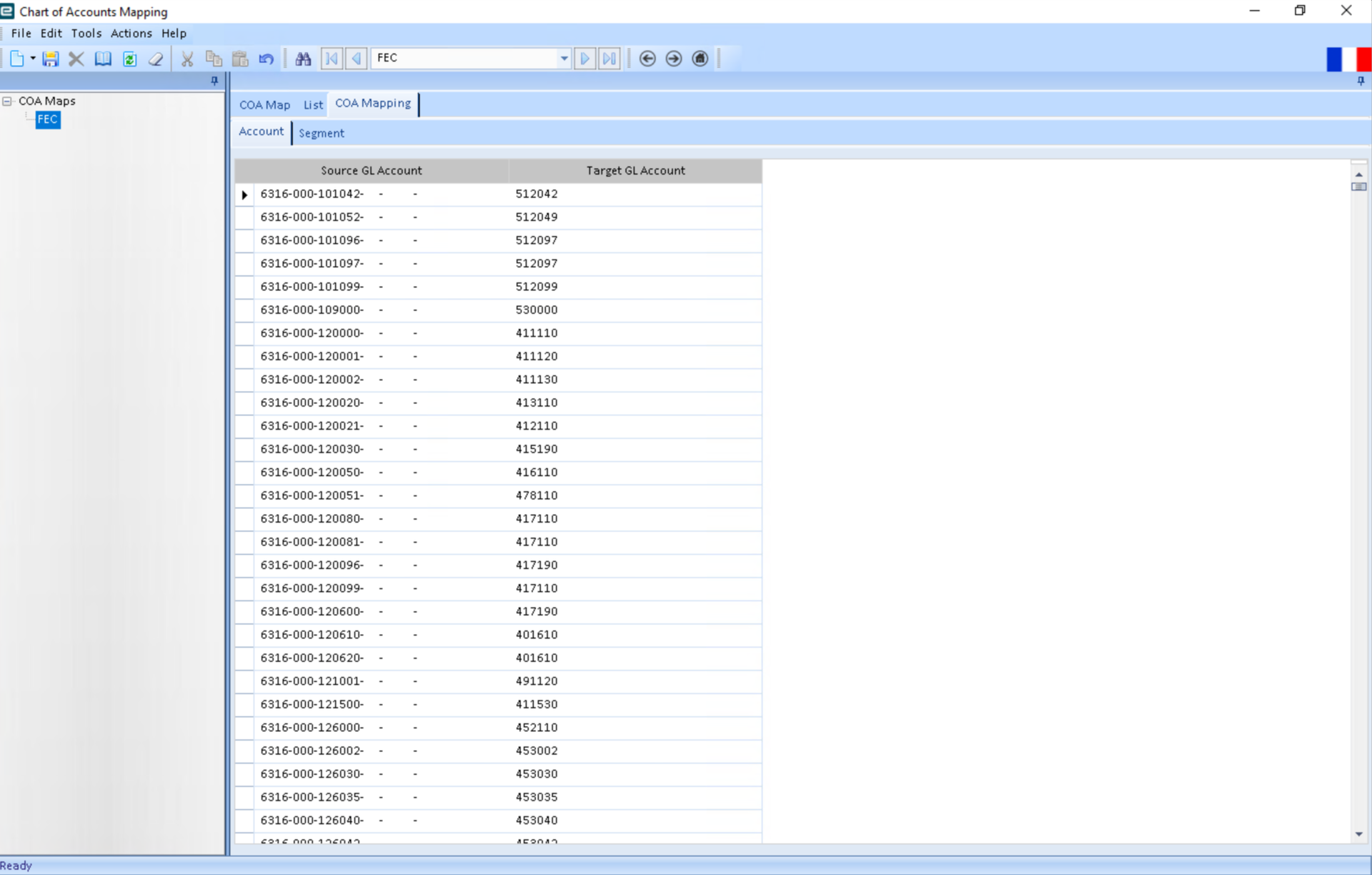
- FEC COA Map
Step 1 – Configure the FEC Chart of Accounts
Copy the FEC Chart of Accounts from the dev/test environment into the target environment.
Step 2 – Configure the FEC Segment Values
Copy the FEC Segment Values from the dev/test environment into the target environment.
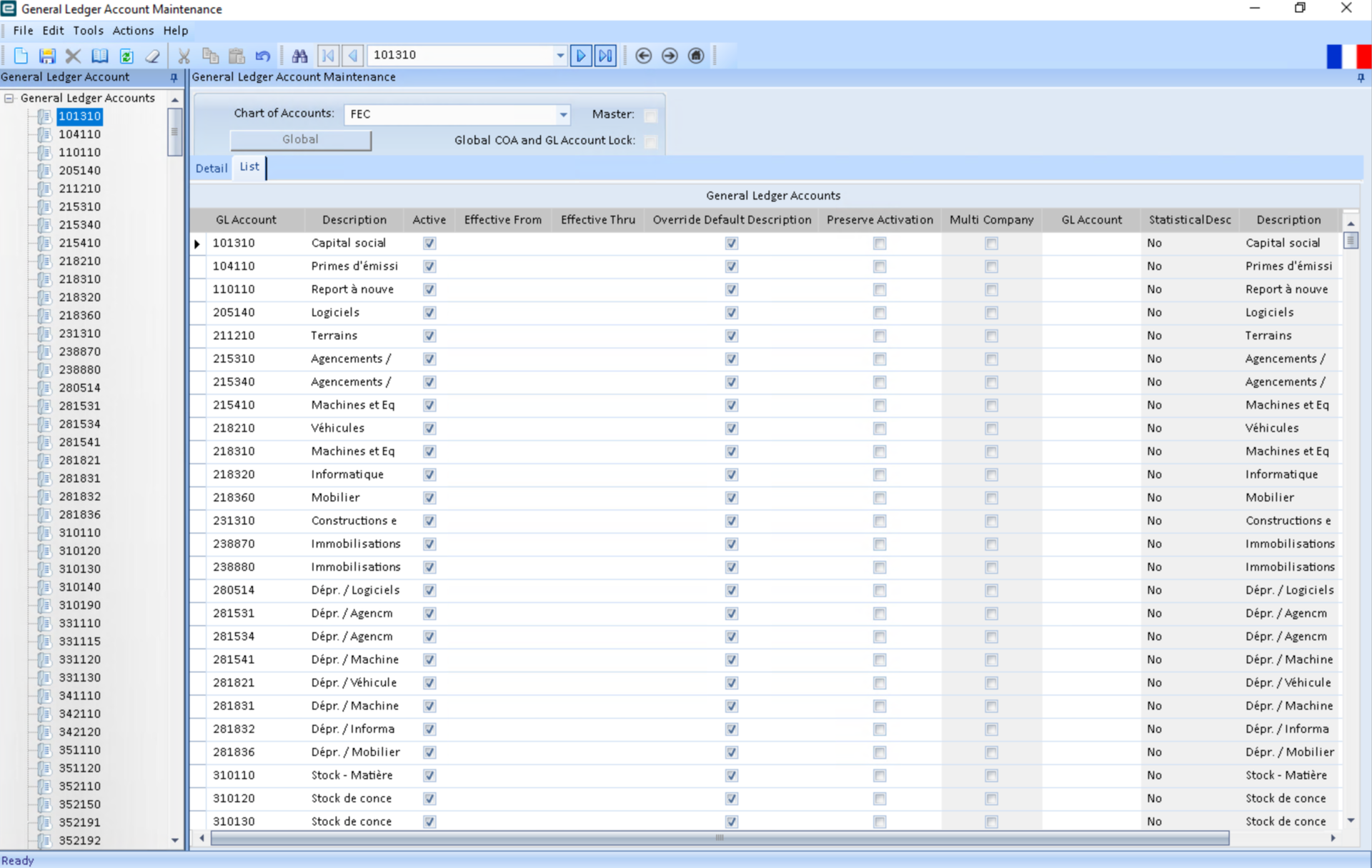
Step 3 – Configure the FEC General Ledger Accounts
Copy the FEC General Ledger Accounts from the dev/test environment into the target environment.
Step 4 – Configure the FEC COA Map
Copy the FEC COA Map and COA Mapping from the dev/test environment into the target environment.